
Make agents
Ask for a researcher, an editor, a tutor. Each one lives in its own channel and keeps its own conversation.
You talk to one agent, the coordinator, in your server’s entry channel. Say what you want.
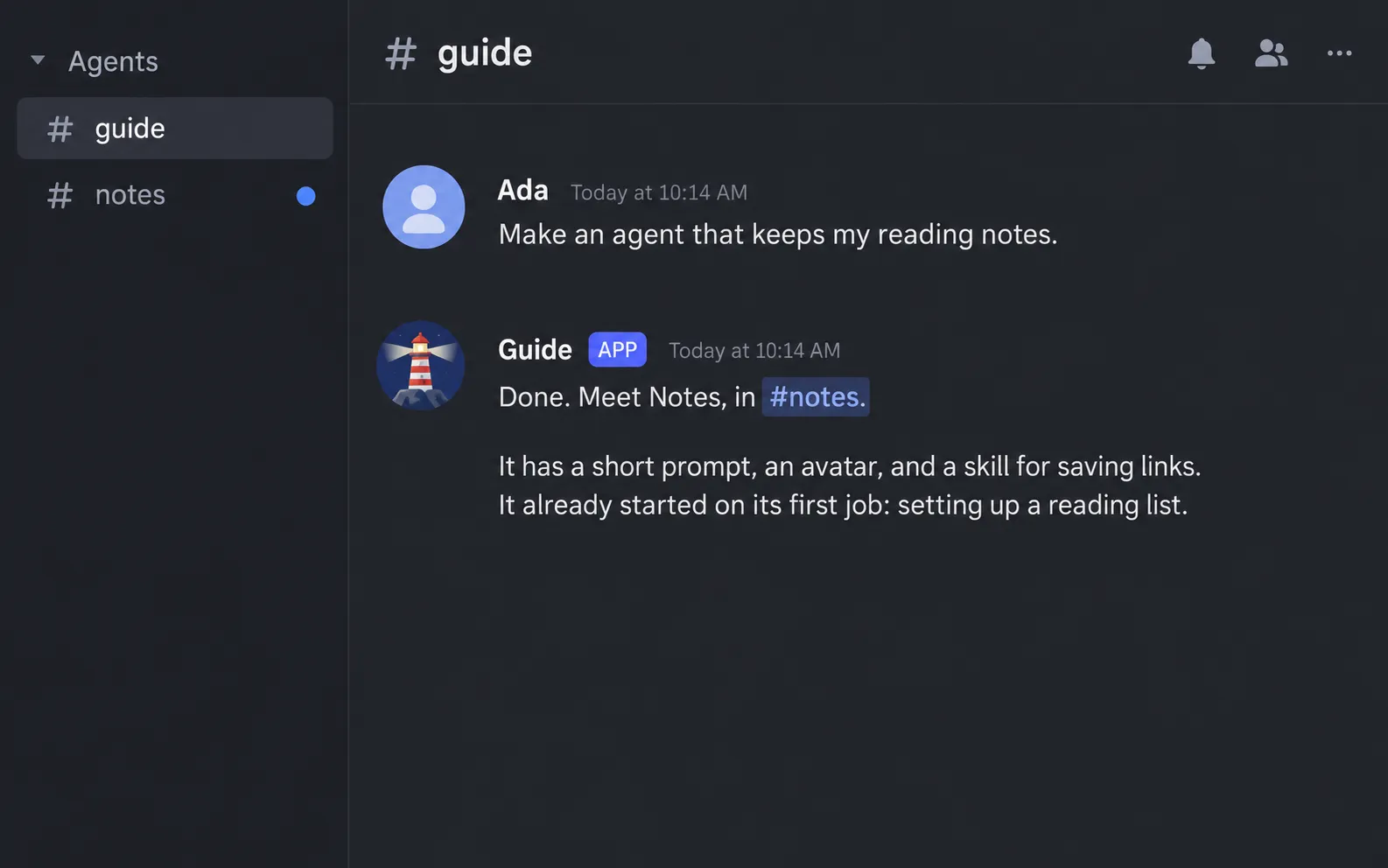
The new agent gets its own channel, an avatar, and a prompt. It starts on its first job right away. You don’t edit a config file or restart anything.
Make agents
Ask for a researcher, an editor, a tutor. Each one lives in its own channel and keeps its own conversation.
Write its own skills
An agent can write a skill and link it to other agents. It also remembers things between conversations.
Work as a group
Put two to six agents in one group channel. For each message, it picks who answers.
Tidy up for you
Ask it to archive an agent or rearrange the channels. Nothing is deleted. Archived channels keep their history.
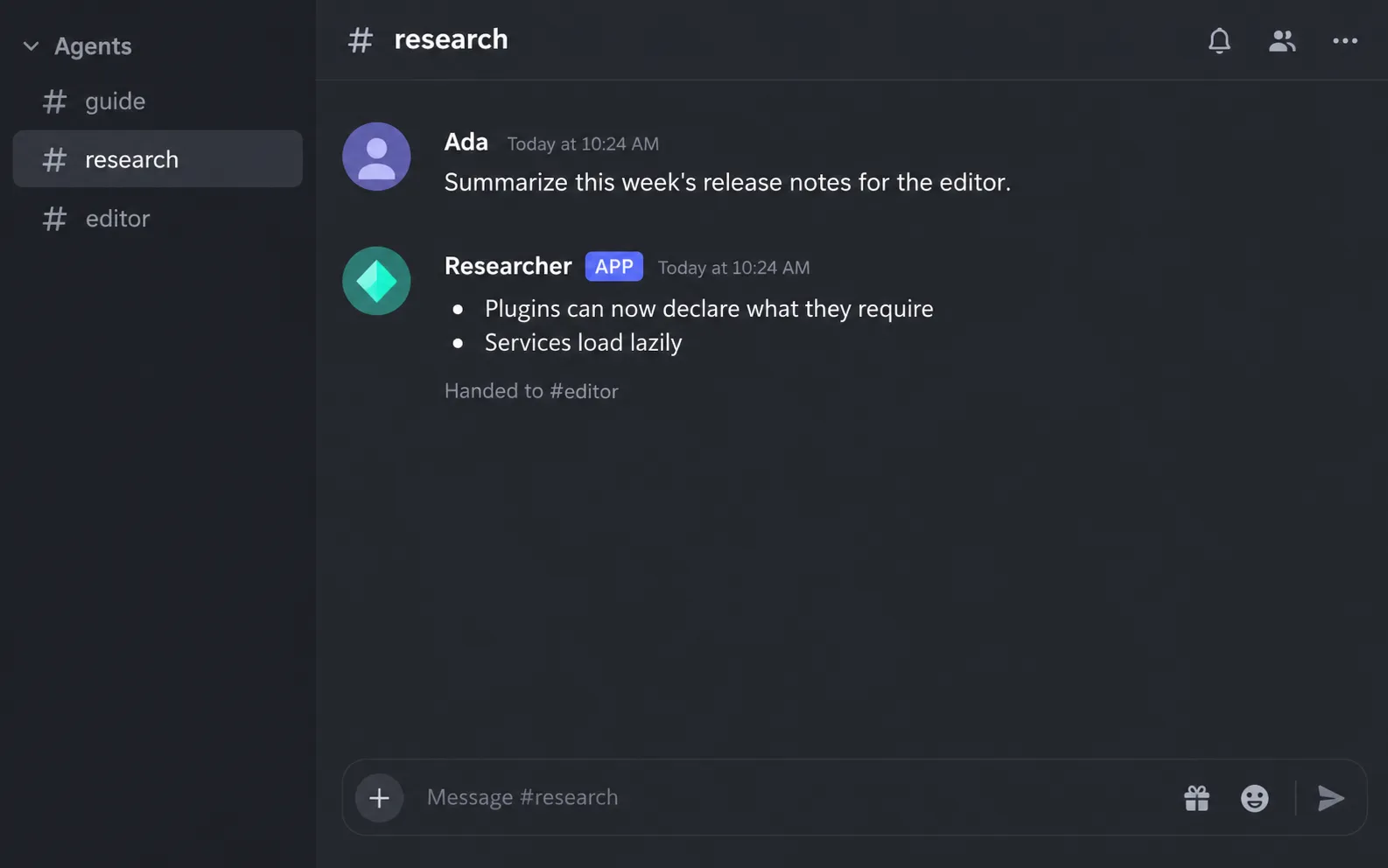
Agents can pass work to each other. Here the researcher hands its summary to the editor.
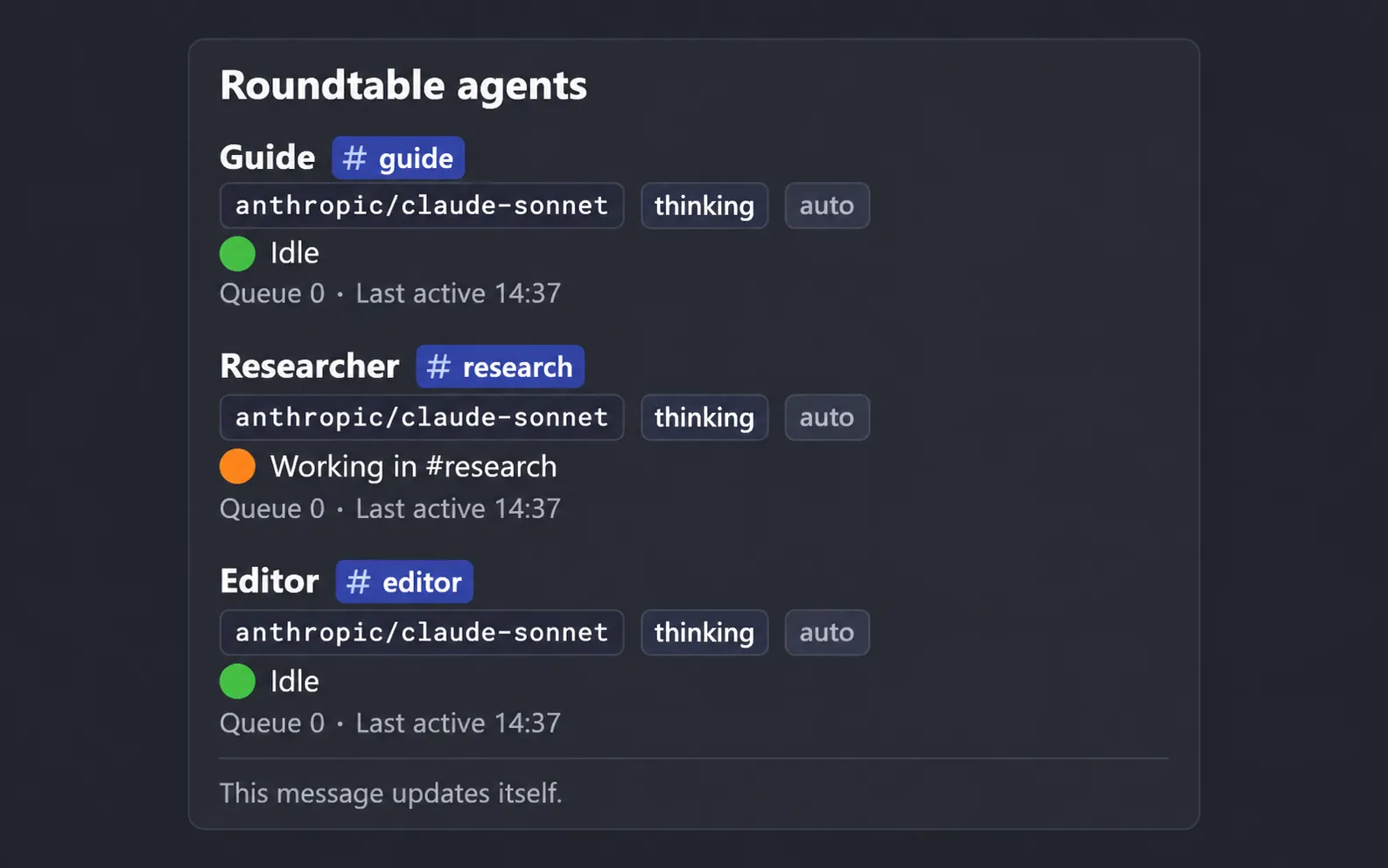
A status message in the server keeps itself up to date, so you can see who is doing what.
Create a project.
npx pi-roundtable init my-botInstall, start PostgreSQL, and fill in .env.
cd my-botbun installdocker compose up -dcp .env.example .envCheck the setup, then start the bot.
bunx roundtable doctorbunx roundtable startThe first agent now has a channel in your server.
Say hello, then ask it for a second one.
Once an agent has a schedule, /roundtable schedule list shows it.
Everything above works without a line of code. When you want more, add a plugin in TypeScript: a tool every agent can call, a slash command, an HTTP route, or a part of the bot you want to replace. A plugin can be tested without Discord or PostgreSQL. See Write a plugin.